Complete Streaming Setup Guide (2026)

Complete Streaming Setup Guide (Fire Stick, Android Box, Smart TV, Mobile, PC, Apple TV)

Fire TV Stick Installation Guide

1. Prepare the Fire Stick
Go to Settings (gear icon) > My Fire TV
Select Developer options
Enable Apps from Unknown Sources
2. Install Downloader App
Search “Downloader” in Amazon Store
Download and install it
3. Install IPTV App
Open Downloader
Enter code 6468112 (IPTV Smarters) or 481220 (IBO Player)
Install the app
4. Configure IPTV
Enter Username, Password, Server URL
5. Start Watching
Enjoy movies, series and live TV
Start Streaming
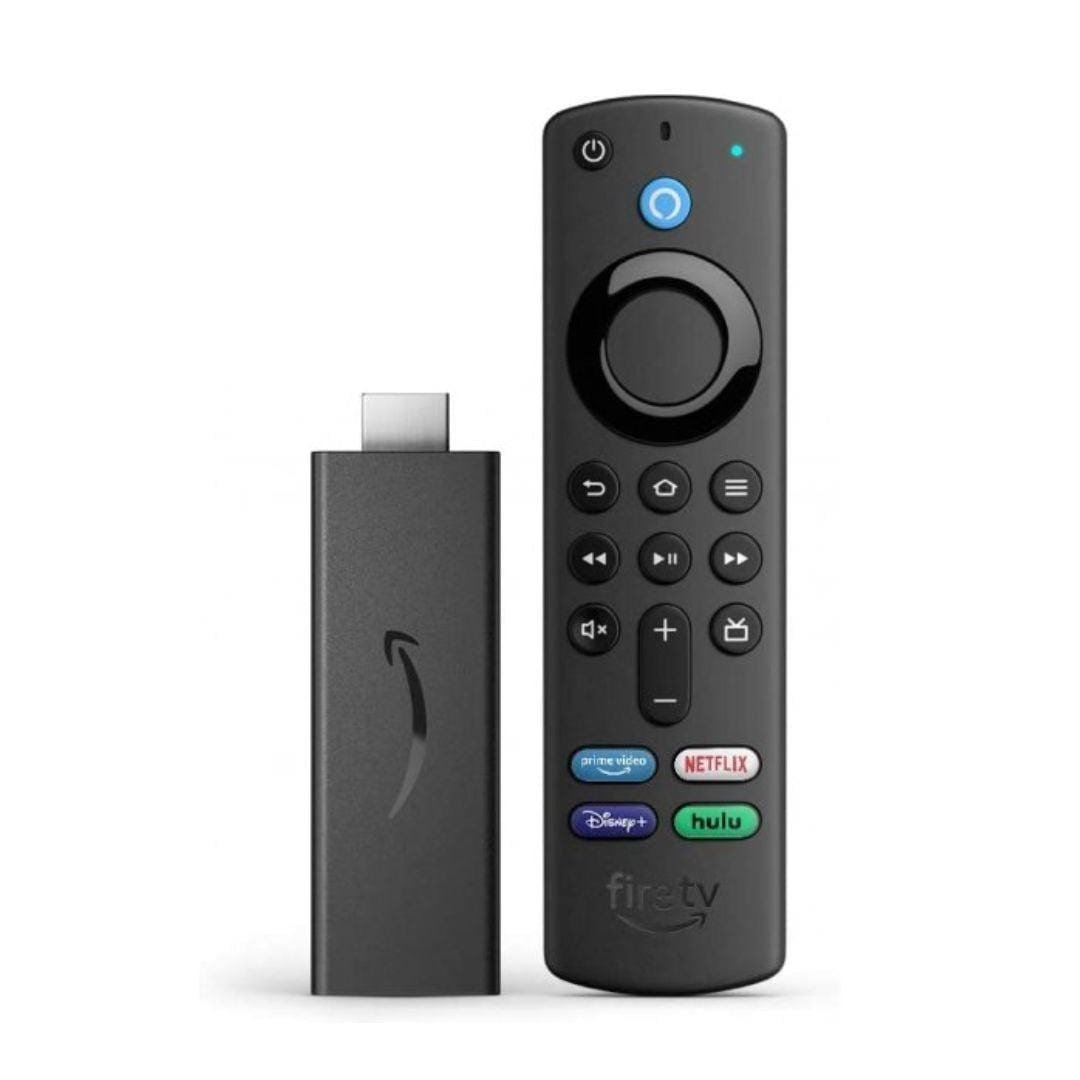
Fire TV Stick

Android Box Streaming Guide

1. Install App
Open Google Play Store
Search IPTV Smarters / IBO Player / XCIPTV
2. Login
Use Xtream Codes or M3U URL
3. Enter Details
Username, Password, Server URL
4. Enjoy Content
Live TV, Movies, Series load automatically
Android Box device

Smart TV Guide

Open TV App Store
Install streaming app
Login and start watching
Smart TV

Smartphone Guide

Install IPTV app from Play Store / App Store
Login and start streaming
Mobile streaming

Computer Guide

Open browser
Visit streaming platform
Login and watch content
Computer streaming

Apple TV Guide

Install IPTV app from App Store
Login to your account
Start streaming
iPhone 17 Pro Max